
Introduction
Build a technical explanation with adjustable inputs, linked readouts and figures. Start with the public sample, then make one connected slide of your own.
Choose your starting point#
- Evaluating without an account: open the Signal Conditioning sample. Change the filter’s resistance and watch its cutoff readout and linked circuit values respond. This first task needs no Python. All eleven public demos, six university lectures and five of Quodra's own, have a full walkthrough — what each shows and the steps to try — on the demos page (also listed in Templates & samples).
- Your own deck: create a free account and follow Your first deck. Start with a parameter and a text readout before adding code or importing existing work.
- Planning your own project: use the one-slide evaluation workflow, then check import and export limits. Optional tools may need to be confirmed for your evaluation.
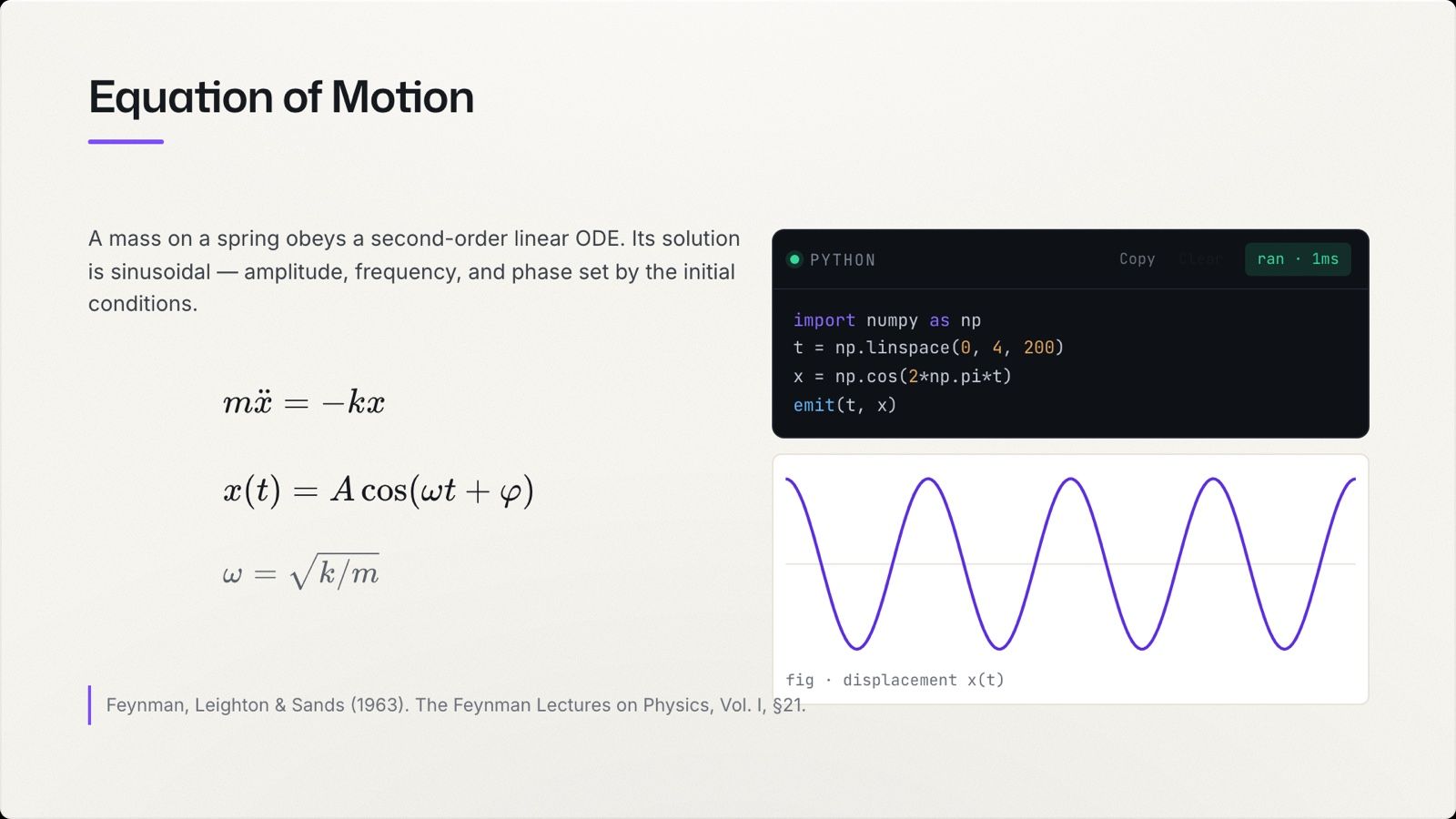
A pasted result cannot respond when you change an assumption. In Quodra’s editor and presenter, named parameters drive supported object properties, derived readouts and text placeholders. A Python cell can feed a figure too, when execution is enabled, the deck is trusted and the cell runs; manual, blocked or failed cells keep their earlier output.
What you can build#
- Connected updates — named parameters drive supported properties and placeholders; a table can feed a chart.
- Python cells — where enabled, run code in the browser and display its output on a slide.
- Circuit Studio — draw a schematic and solve it: DC operating point, AC response, and transient.
- Molecule Studio — draw structures with the SMILES derived live.
- Matter Lab — where enabled, work with crystals, phase diagrams, diffraction, spectra and stress–strain.
- Charts, tables, diagrams, equations — first-class objects, not images.
- Collaboration — share a deck, edit it together, comment, and present.
How it fits together#
A Quodra document is a set of slides, and each slide is a canvas of objects — a heading, an equation, a code cell, a chart. You connect those objects deliberately: a parameter can drive a numeric table cell, and a chart follows the table. A Python route adds a cell between the input and its output; only enabled, trusted Auto-run cells follow input changes automatically. Reactive documents lists the supported connections.
The map#
- Get started — Your first deck, The dashboard, The editor, Templates & samples.
- Build — Reactive documents, Python & code, Charts, tables & diagrams, Simulations, The canvas view.
- Circuits — Circuit Studio, Analyses, Circuits on a slide, and a worked tutorial.
- Molecules — Molecule Studio, SMILES, and a worked tutorial.
- Materials — Matter Lab, the objects, datasets and provenance, and a worked tutorial.
- Share & present — Collaboration, Presenting, Present to Meet & Zoom, Import & export, AI assistants (MCP).
- Guides & reference — Tips & workflows, Troubleshooting, Keyboard shortcuts, Account & privacy.
Try one input and one visible result first. The public filter sample shows which controls to use before you request an account.
A note on the beta#
Quodra is in beta, and feature access varies by account and deployment: Canvas needs enablement, and Matter Lab and other studios can be restricted. The live computation described here happens in the editor and the presenter view, subject to Python trust and run settings. Share links and embeds are read-only, without Python or reactive recomputation; the public sample is a separate experience with selected controls.
Send feedback, in the dashboard sidebar and under Help in the editor's ⋯ menu, reaches the team directly. If you attach a screenshot, it can include visible slide content.